
Web Applications & Portals
Secure Web Applications
and Portals for Your
Teams and Customers.
Give staff, customers and partners secure, well-designed access to the information and workflows they need — on any device.
Web Applications & Portals
Self-service that people actually use
Requests by email, forms in attachments and information locked in one person’s inbox slow everyone down. A well-designed portal gives each user the right view, the right actions and a clear audit trail.
Capabilities
Customer portals
Accounts, requests, documents and updates in one secure place.
Employee workspaces
Internal tools that bring tasks, data and processes together.
Referral & booking portals
Structured intake with validation, routing and status tracking.
Document workflows
Upload, review, approve and retain documents with clear ownership.
Roles & permissions
Role-based access so people only see what they should.
Dashboards
Clear views of activity and performance for each role.
Responsive interfaces
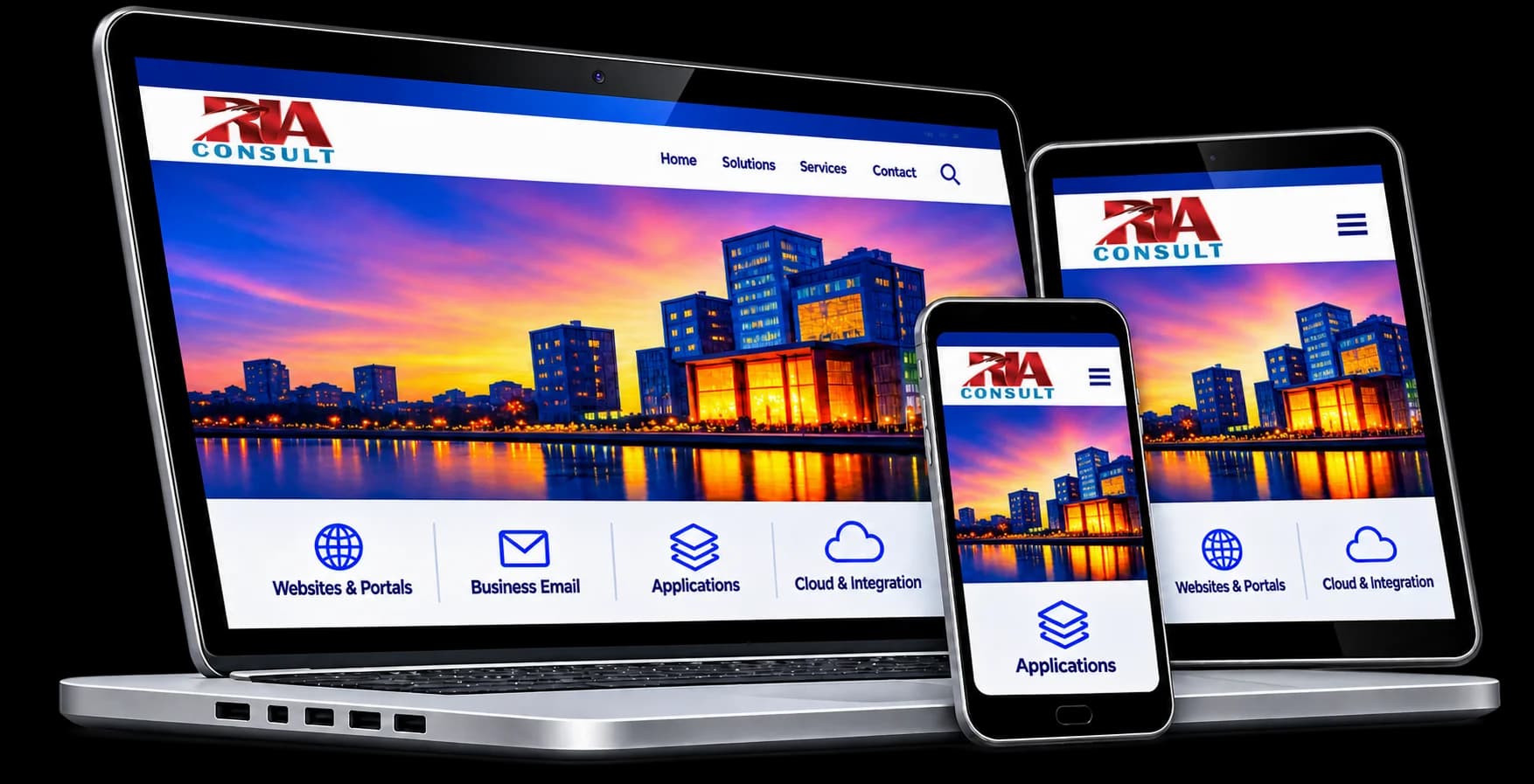
Accessible designs that work on desktop, tablet and mobile.
Our approach to portals
Step 1: Discovery
Who uses the portal, what they need to do and what success looks like.
Step 2: Role design
Defining user roles, permissions and the data each role can see.
Step 3: Integrations
Connecting the portal to your existing systems and identity provider where possible.
Step 4: Accessible build
Designing to WCAG 2.2 AA so the portal works for everyone.
Step 5: Launch & support
Onboarding users, monitoring usage and improving over time.
Frequently asked questions
Can users sign in with their existing Microsoft accounts?
How do you keep portal data secure?
Can a portal be added to our existing website?
Planning a portal or web application?
Tell us who will use it and what they need to do.