
New Device Setup & Optimisation
Get Your New or Existing Computer Ready to Work.
We set up new computers properly and tune existing ones, so they’re secure, up to date and ready for work.
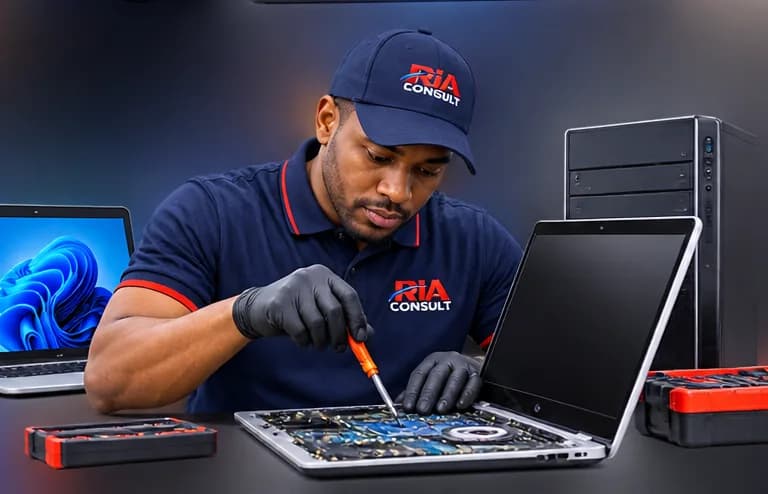
New Device Setup & Optimisation
Start as you mean to go on
A new computer needs updates, accounts, apps, email, printers and security configured before it’s truly ready. An existing one may just need tidying up.
Services
Initial Windows setup
Accounts, updates and sensible settings.
Microsoft 365
Apps installed and signed in.
Email
Outlook or your preferred mail app configured.
OneDrive
File sync set up and explained.
Printers
Printers and scanners connected.
Updates
Windows and apps brought up to date.
Essential applications
The software you need, installed.
Security baseline
Updates, protection and sign-in security configured.
Storage & start-up optimisation
Removing clutter and speeding up start-up.
How it works
Step 1: Tell us what you need
The device, the apps you use and any files to move.
Step 2: Agree the scope
We confirm the work and an estimate before starting.
Step 3: Setup
We configure the device and transfer files if required.
Step 4: Handover
We walk you through the setup and answer questions.