
Windows & Software Support
Windows, Software and Device Troubleshooting.
Help installing, configuring and fixing Windows and everyday software, so your computer works the way it should.
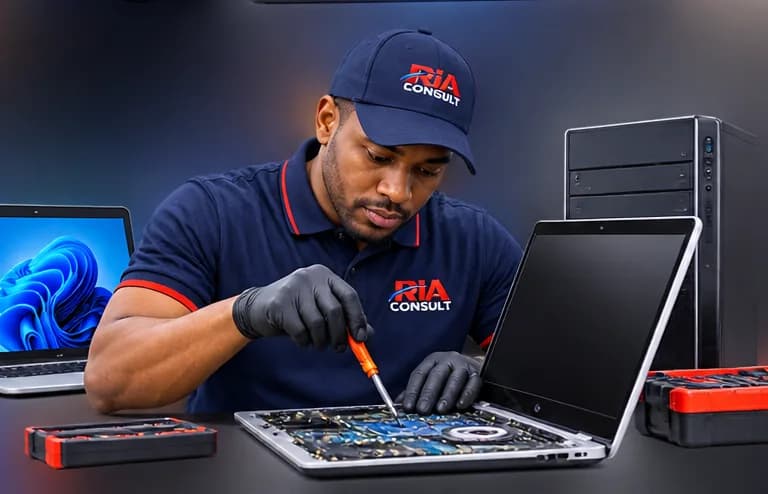
Windows & Software Support
When software gets in the way
Failed updates, missing drivers, pop-ups and printers that won’t connect waste time. Many problems can be resolved without replacing anything.
Services
Windows installation & configuration
Clean installs and correct setup.
Driver issues
Installing and updating the right drivers.
Office / Microsoft 365 setup
Installing and activating Microsoft apps.
Updates
Resolving stuck or failed updates.
Account configuration
User accounts and sign-in setup.
Security checks
Reviewing basic security settings.
Malware clean-up assessment
Checking for and removing unwanted software.
Printer & network setup
Connecting printers and home or office networks.
How it works
Step 1: Describe the symptoms
Tell us what the device is doing, when it started and its make and model if known.
Step 2: Assessment
We assess the device to identify the likely cause.
Step 3: Findings
We explain what we found in plain language.
Step 4: Estimate
You receive a written estimate and the options available.
Step 5: Approved work
Work proceeds only once you have approved it.