
Diagnostics & Troubleshooting
Find the Fault Before You Spend on Repairs.
A proper diagnosis saves money and time. We identify what’s wrong, explain it clearly and give you options.
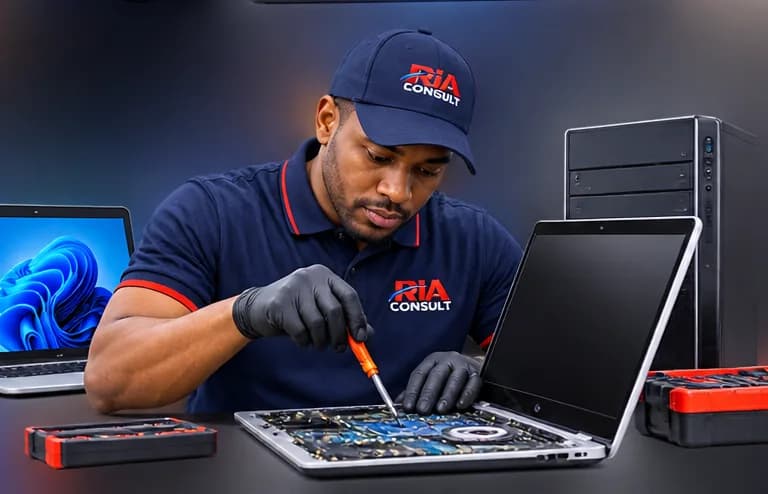
Diagnostics & Troubleshooting
Symptoms don’t always point to the cause
A slow computer may need more memory, a new drive or just some housekeeping. A black screen could be a display, a cable or a power fault. Guessing can be expensive.
Issues we investigate
No boot
Computers that won’t switch on or start Windows.
Black or blank screen
Display, graphics and connection problems.
Slow performance
Sluggish start-up and slow everyday use.
Crashes & freezes
Unexpected restarts, blue screens and hangs.
Overheating
Loud fans, heat and unexpected shutdowns.
Wi-Fi problems
Dropouts and connection issues.
Hardware/software conflicts
Driver issues and compatibility problems.
How diagnosis works
Step 1: Describe the symptoms
Tell us what the device is doing, when it started and its make and model if known.
Step 2: Assessment
We assess the device to identify the likely cause.
Step 3: Findings
We explain what we found in plain language.
Step 4: Estimate
You receive a written estimate and the options available.
Step 5: Approved work
Work proceeds only once you have approved it.