
Hardware Repairs & Upgrades
Restore Performance with the Right Hardware Repair or Upgrade.
Targeted upgrades and repairs can extend the useful life of your PC or laptop and make it noticeably faster.
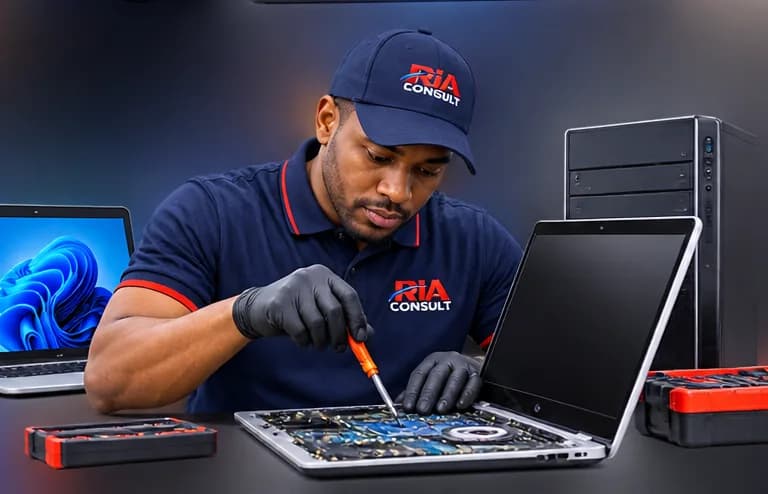
Hardware Repairs & Upgrades
Often cheaper than replacing
Upgrading from a hard drive to an SSD, or adding memory, can transform an older computer. Replacing a worn battery or damaged keyboard can keep a laptop in service for longer.
Services
RAM upgrades
More memory for smoother multitasking.
SSD / HDD replacement
Faster, more reliable storage.
Battery replacement
Where compatible parts are available.
Keyboard replacement
Fixing faulty or damaged keyboards.
Screen replacement
Cracked or faulty laptop screens, where compatible.
Hardware diagnostics
Testing components to find faults.
Cleaning & thermal maintenance
Dust removal and thermal care to reduce overheating.
How it works
Step 1: Describe the symptoms
Tell us what the device is doing, when it started and its make and model if known.
Step 2: Assessment
We assess the device to identify the likely cause.
Step 3: Findings
We explain what we found in plain language.
Step 4: Estimate
You receive a written estimate and the options available.
Step 5: Approved work
Work proceeds only once you have approved it.
Frequently asked questions
Will an SSD really make my computer faster?
Can every laptop be upgraded?
Do you use new parts?
Thinking about an upgrade or repair?
Tell us your device’s make and model and what you’d like to improve.